Deployed
This Website
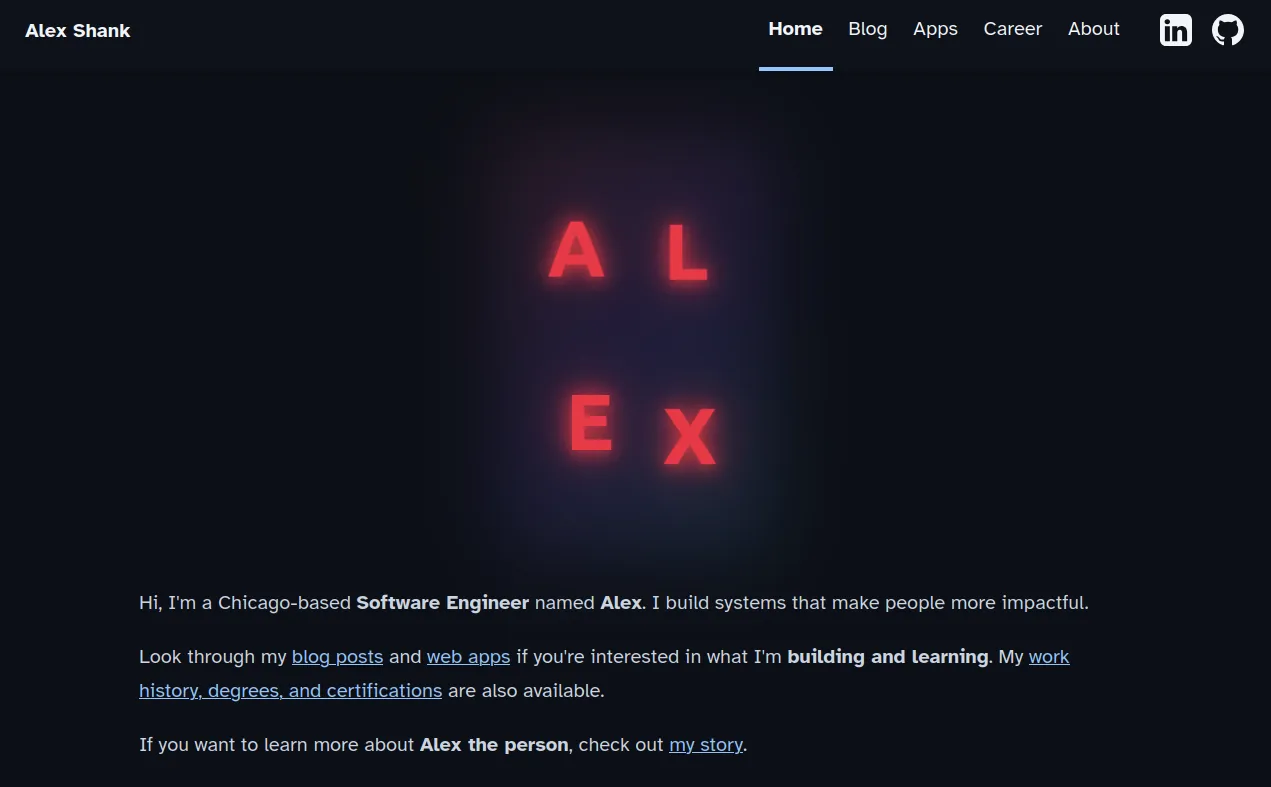
Alex Shank's developer portfolio and blog. Built with the Astro framework and deployed to a self-managed Hetzner VPS. The entrypoint to all of his web content.
A personal portfolio and blog built with Astro, a static site generator that compiles Markdown and MDX content into static HTML at build time. It is deployed alongside several other apps on a self-managed Hetzner VPS, where a single NGINX reverse proxy handles subdomain routing and HTTPS termination.
Tech Stack
- Astro
- TypeScript
- MDX
- NGINX
- Podman / Podman Compose
- Let’s Encrypt / Certbot
- Hetzner VPS
- Ubuntu
- Rsync
- Umami (analytics)
- PostgreSQL
Architecture
- Static HTML built locally with
astro buildand deployed to the VPS viarsync. - NGINX reverse proxy serves the static files and routes traffic across several subdomain-based applications.
- Dynamic apps (container-based) and static apps share the same NGINX container on a Podman bridge network.
- A single SSL certificate from Let’s Encrypt covers the root domain and all subdomains, with automatic renewal via a systemd timer.
- All apps live inside their own repos, which the VPS infra repo is aware of.
- Deployments happen directly from the infra repo, but application code and build logic is decoupled into each app’s repo.
- Umami analytics runs as a container proxied at
analytics.alexandershank.com, backed by a centralized Postgres 16 instance shared across apps. Each app gets its own role and database within the shared instance. - The Umami tracking snippet is served first-party from
analytics.alexandershank.com/script.jsand added to the sharedBaseHead.astrocomponent, so one edit covers every page on the blog. - A systemd timer runs
pg_dumpalldaily, keeping seven days of local backups. A separate script rsyncs those dumps to a local machine for off-site storage.
Challenges
- NGINX must be fully restarted (not just reloaded) after config changes, because
rsyncreplaces the config file rather than editing it in place. Podman loses track of the bind-mounted inode until the container remounts it. - Stale iptables DNAT rules persist across container restarts, routing traffic to an outdated container IP for NGINX. Worked around by hardcoding the NGINX container to a fixed IP address.
- Each new subdomain requires expanding the Let’s Encrypt certificate with all existing domains explicitly listed. There is no true wildcard cert with the webroot challenge method.
Learnings
- Astro’s content collections, schema validation, and draft system make it straightforward to manage blog content lifecycle without a CMS.
- Podman running in root mode simplifies container access to system resources like
/etc/letsencrypt/. There are no volume permission issues to deal with. - Systemd timers are a clean, reliable alternative to cron for recurring tasks like certificate renewal.
- Tools like opengraph.xyz preview how your site’s social cards will look.
- Self-hosting Umami requires minimal infrastructure: one container, a Postgres database, and an NGINX proxy block.
- Serving the snippet first-party from your own domain avoids most ad blockers. Many simple bots do not run JavaScript, so first-party JS analytics filters out a portion of bot traffic, though headless browsers that do run JavaScript still slip through.
For the Future
- Set up a CI/CD pipeline to automate builds and deployments instead of running deployment scripts from my local.
- Explore the DNS-01 Let’s Encrypt challenge to get a true wildcard certificate, eliminating the need to explicitly expand the cert for each new subdomain.