My Claude Workflow
How I use git workstreams, multiple dev servers, and aggressive context clearing to maximize my Claude subscription.
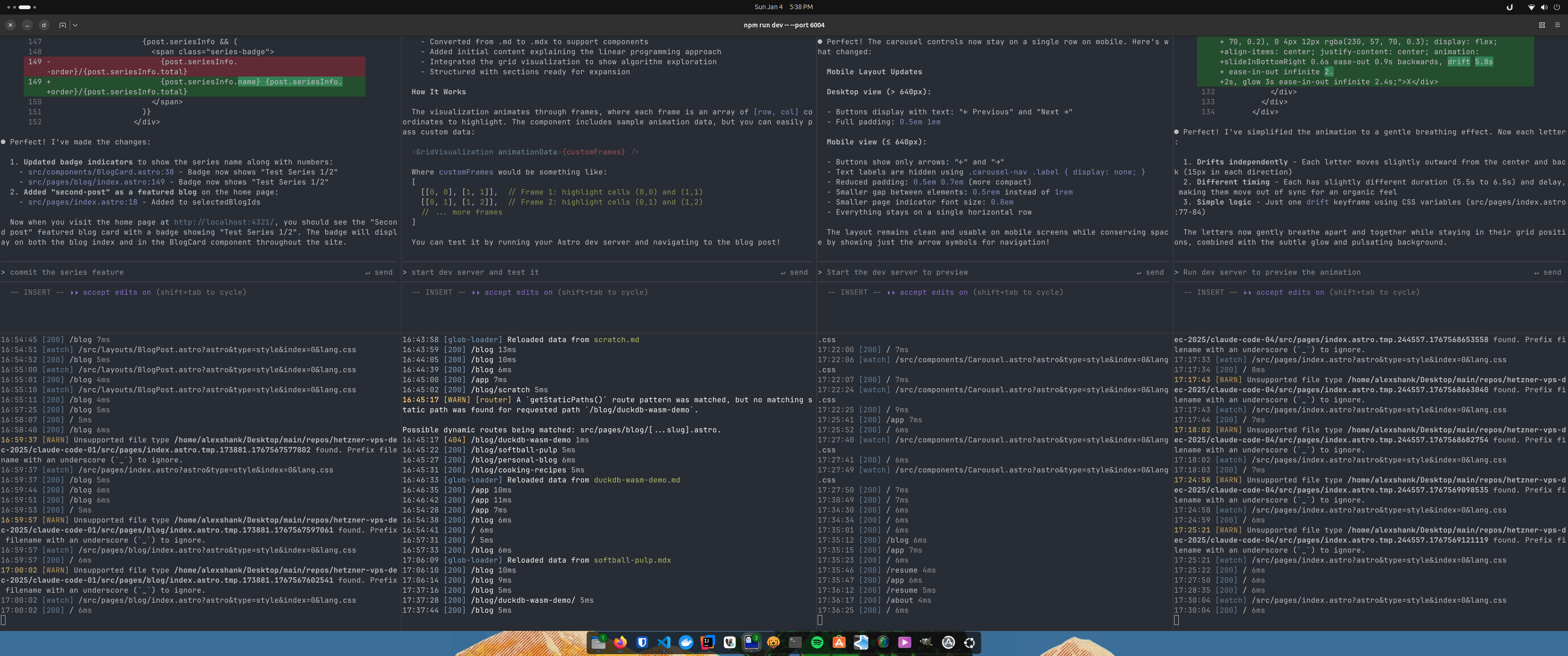
I’ve been using Claude to help with my personal blog for a few months now. The $20 subscription is enough to get real work done if you manage it carefully. My workflow centers around git workstreams, multiple dev servers, and clearing context aggressively after each feature.
- Git Workstreams
- Multiple Dev Servers
- Aggressive Context Clearing
- The CLAUDE.md File
- Finding the Bottleneck
- What Works Well
- What Doesn’t Work Well
- Tuning Agent Workload
Git Workstreams
I maintain multiple git branches (workstreams) for different features. Instead of creating and deleting branches constantly, I reuse the same workstreams in a round-robin fashion. When a feature is complete and committed, that workstream becomes available for the next task.
This approach provides natural separation between different units of work and makes it easy to manually merge features into main when I’m satisfied with them. I keep the workstreams up to date with main through manual merges. Nothing fancy.
Multiple Dev Servers
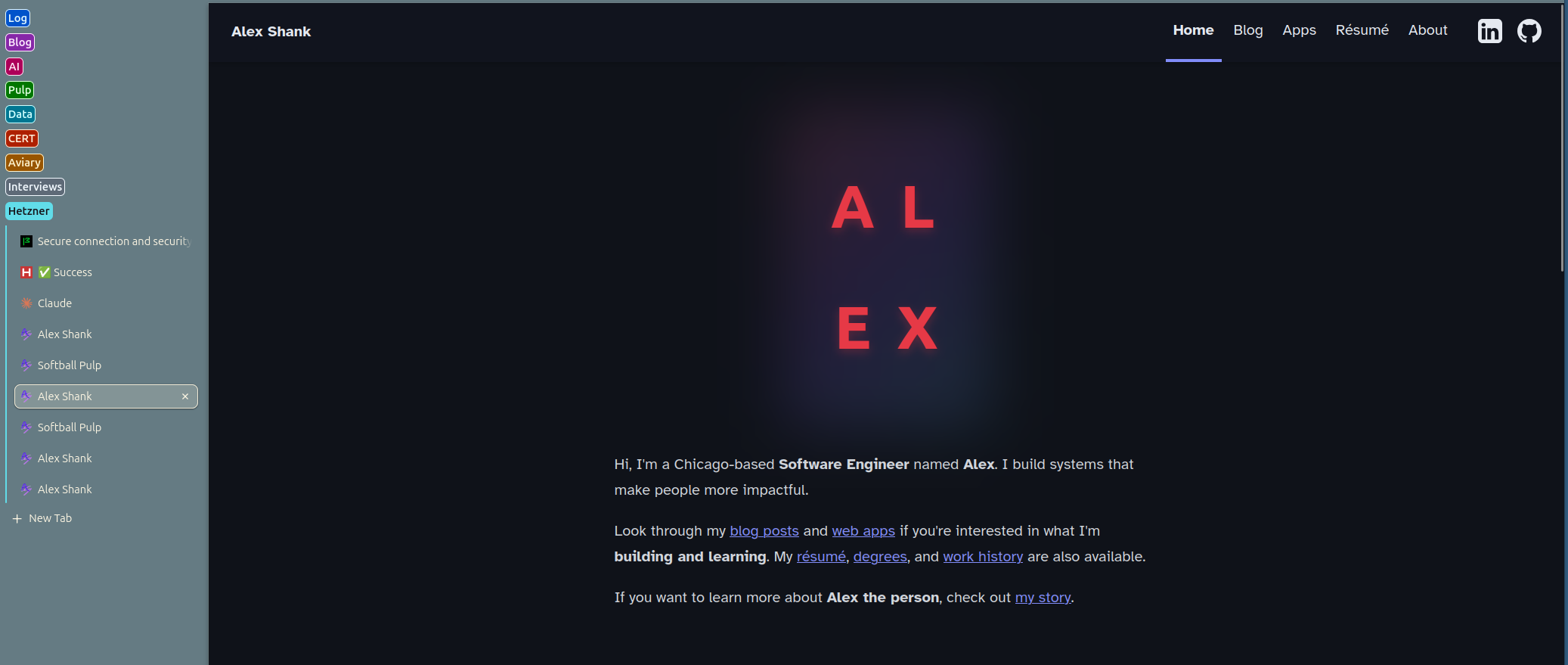
Each workstream gets its own dev server running on a different port. This lets me review multiple features in parallel without constantly stopping and starting servers or switching branches.
When I need to review what an agent has built, I can simply open the corresponding port in my browser without disrupting work happening on other workstreams.
Aggressive Context Clearing
After each feature (a clearly defined unit of work) is reviewed and committed to its workstream, I clear the context immediately using /clear. This is how I stay within subscription limits.
By aggressively pruning context, I avoid paying for old conversation history that’s no longer relevant. Each new task starts fresh with only the essential context needed.
The CLAUDE.md File
My CLAUDE.md is intentionally simple, never more than 100 lines. I update it weekly with whatever corrections I find myself giving most often to the agents.
This file captures common patterns and preferences without becoming overwhelming. If I’m repeatedly giving the same feedback, it goes in CLAUDE.md. If I haven’t referenced something in a few weeks, it gets removed.
Finding the Bottleneck
With this workflow, I can actually max out my $20 Claude subscription. The bottleneck is me, specifically my review time. Four concurrent agents is more than enough to keep me constantly reviewing and approving work.
I’m more productive overall with this setup than trying to do everything myself. The constant context switching between reviewing different features keeps things interesting and helps me spot issues faster.
What Works Well
Claude is good at supplemental blog post material:
- JavaScript animations
- Tricky CSS styling
- Interactive components
- Code examples and demos
For this personal blog, these are exactly the kinds of tasks that used to slow me down. Claude can iterate quickly on visual polish while I focus on the core content.
What Doesn’t Work Well
Claude-generated blog content itself is a no-go for me. I want my writing to be in my own voice, reflecting my actual thoughts and experiences.
The value is in augmentation, not replacement. Claude handles the fiddly implementation details so I can focus on what I actually want to say.
Tuning Agent Workload
When agents are completing tasks quickly and spending most of their time waiting for my review, I adjust by giving them larger units of work. This keeps them productive and reduces the overhead of constant check-ins.
The goal is to batch work into chunks that are:
- Large enough to be meaningful
- Small enough to review in one sitting
- Clearly defined with success criteria
Four workstreams in rotation hits the sweet spot for my workflow. More would mean too much context switching; fewer would leave agents idle waiting for review.
This workflow has made Claude genuinely useful for personal projects. The key is treating it like a constrained resource and optimizing accordingly.